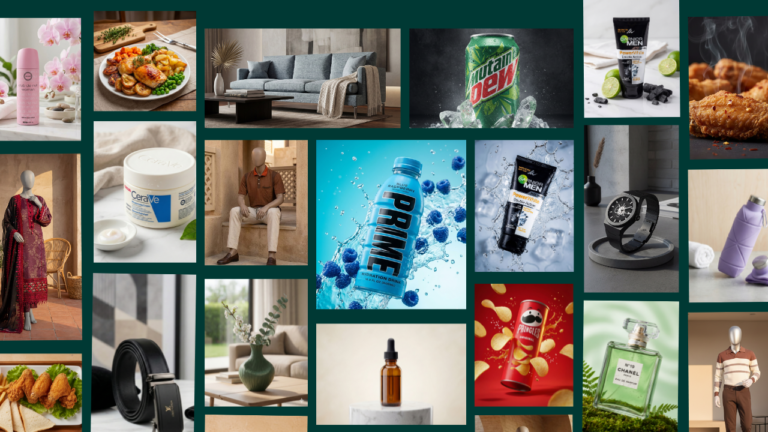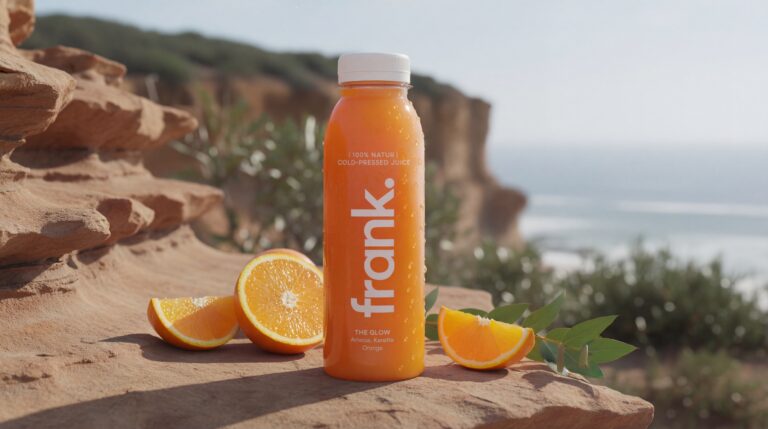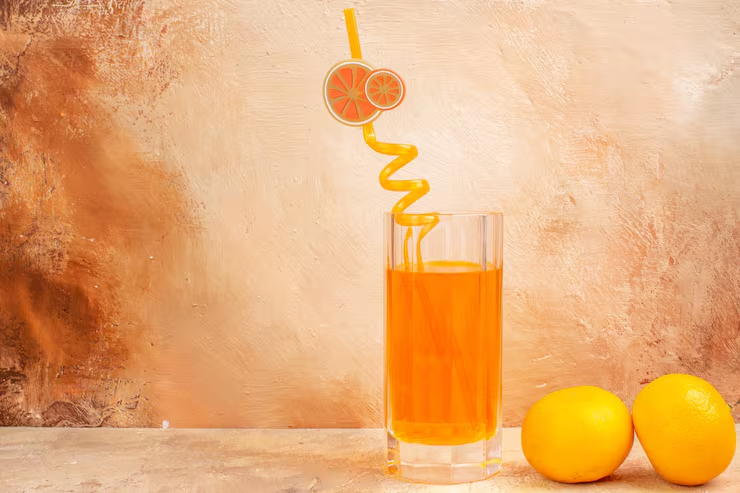

Want to know how to create scroll-stopping e-commerce ads that freeze thumbs on Instagram, TikTok, Facebook, or Meta feeds—without a creative team, expensive shoots, or endless editing? In 2026, AI for e-commerce ads makes it effortless: upload simple product photos, generate stunning visuals, add motion-ready elements, and launch high-converting creatives in minutes. No prompts needed—just drag, configure, and export.
This step-by-step guide shows you the easiest method using Olio AI to produce natural, production-ready images that form the foundation of scroll-stopping ads. Brands using this approach report higher engagement, lower ad costs, and massive time savings—turning basic shots into ads that sell while you scale.
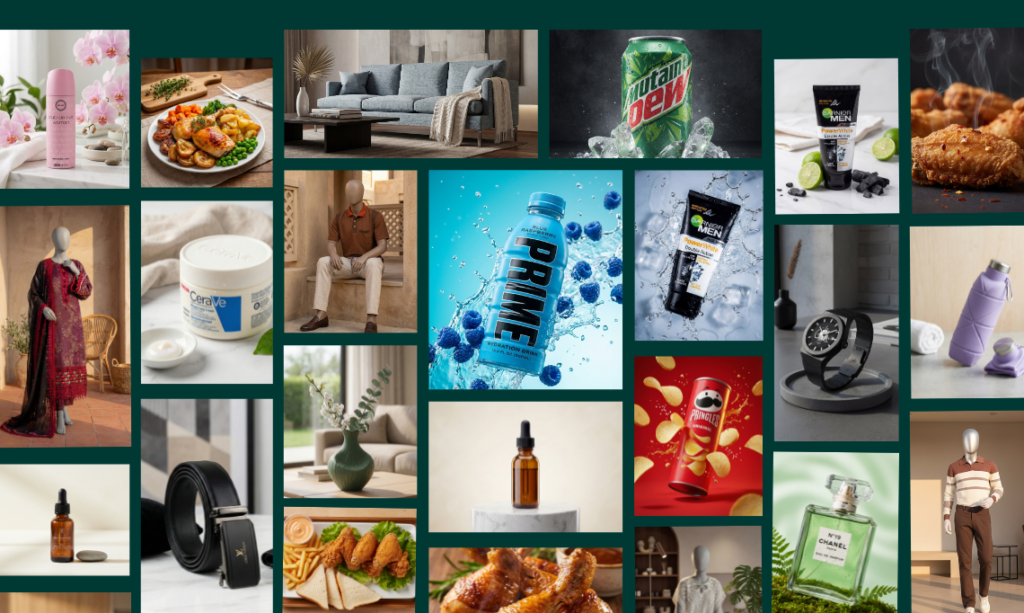
Why Scroll-Stopping E-Commerce Ads Are Crucial in 2026
Social feeds move fast—users scroll past 90% of content in seconds. Winning ads hook instantly with bold visuals, emotional appeal, clear benefits, and subtle motion. Traditional creation is slow and costly ($100–$1000+ per creative). AI flips it: upload once, generate variations, test fast, and optimize for ROAS. Key elements that stop the scroll:
- Eye-catching product close-ups or lifestyle staging
- Bright, contrasting colors and dynamic angles
- Short, punchy text overlays (5–7 words max)
- Subtle animation potential (e.g., zoom, sparkle, reveal)
- Emotional hooks: curiosity, urgency, relatability
With AI, even solo founders or small teams create pro-level ads that outperform polished agencies.
Step-by-Step: How to Create Scroll-Stopping E-Commerce Ads with Simple AI Uploads
Use Olio AI as your core tool—its no-prompt upload and Olio Magic Mode deliver natural, ad-ready images perfect for static or video ad bases. Here’s the exact process:
Step 1: Prepare & Upload Your Raw Product Photos
Start with clean, well-lit shots (phone camera is fine—natural window light works best). Take 3–6 angles: front, side, 45°, top-down, close-up details.
Go to tryolio.app, upload your image(s). No descriptions or prompts required—Olio auto-detects the product for seamless processing. This simplicity is why it’s ideal for fast ad iteration.
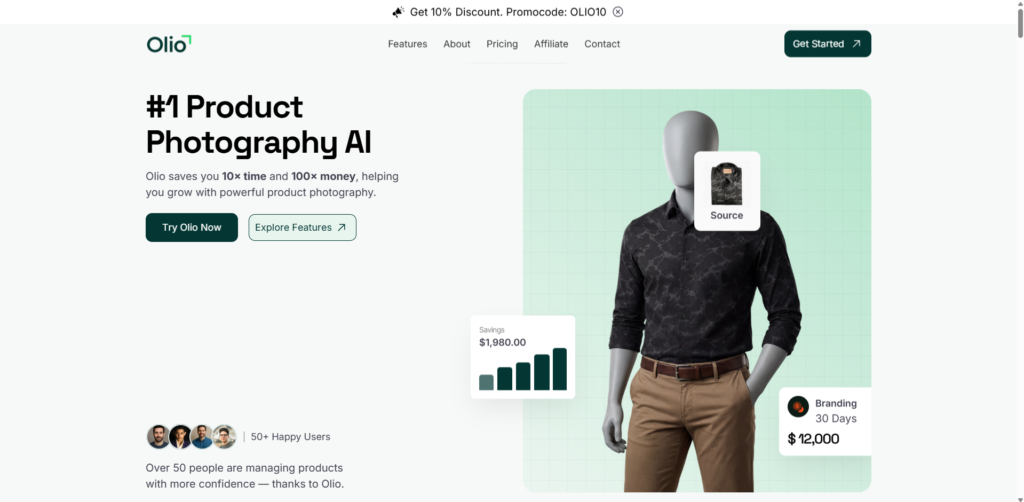
Step 2: Configure for Scroll-Stopping Impact
Customize to make visuals pop:
- Mode: Product Photoshoot for clean/hero shots or Mannequin Mode for apparel/fashion (natural on-model without real people).
- Background: Pick high-contrast, brand-aligned styles like Bright Fresh (vibrant energy), Lifestyle Modern (real-world appeal), Marble Luxury (premium feel), Dark Moody (dramatic intrigue), or E-commerce Clean (minimalist focus). These create instant emotional hooks.
- Olio Pro/Studio Models: Use for realistic human elements in lifestyle ads (e.g., hands holding product).
- Aspect Ratio: 9:16 for vertical Reels/TikTok/Stories (scroll-stopping format), 1:1 for feed squares, or 4:5 for optimal Meta placement.
- Advanced Tab:
- Camera Angles: Low Angle (heroic/powerful), Close Up (detail obsession), Three Quarter (dynamic), Eye Level (relatable).
- Custom Prompt (optional): Add “vibrant colors, high contrast, subtle glow” for extra pop—most skip for speed.
Olio Magic Mode auto-enhances: perfect lighting, shadows, textures—no artifacts. Generate 4–10 variations in one go for A/B testing.
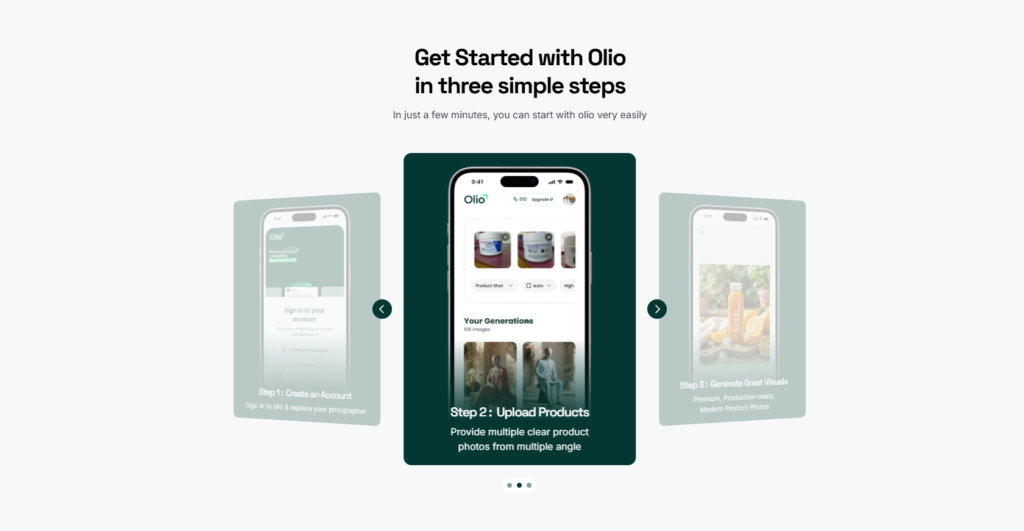
Step 3: Export & Turn Images into Full Ads
Hit Submit—get 4K-ready images in seconds to minutes. Download and import to Canva, CapCut, or ad platforms.
Quick ad assembly tips:
- Add text overlays: Bold hook at top (e.g., “Tired of [problem]?”), benefit in middle, CTA bottom (e.g., “Shop Now →”). Use white/black for contrast.
- Subtle motion: In free tools like CapCut, add zoom-in on product, sparkle effects, or text animations—keeps viewers watching.
- Test variations: Run 3–5 creatives per campaign (different angles/backgrounds/hooks) to find winners fast.
Result: Ads that feel premium, authentic, and impossible to ignore—driving clicks and sales without production headaches.
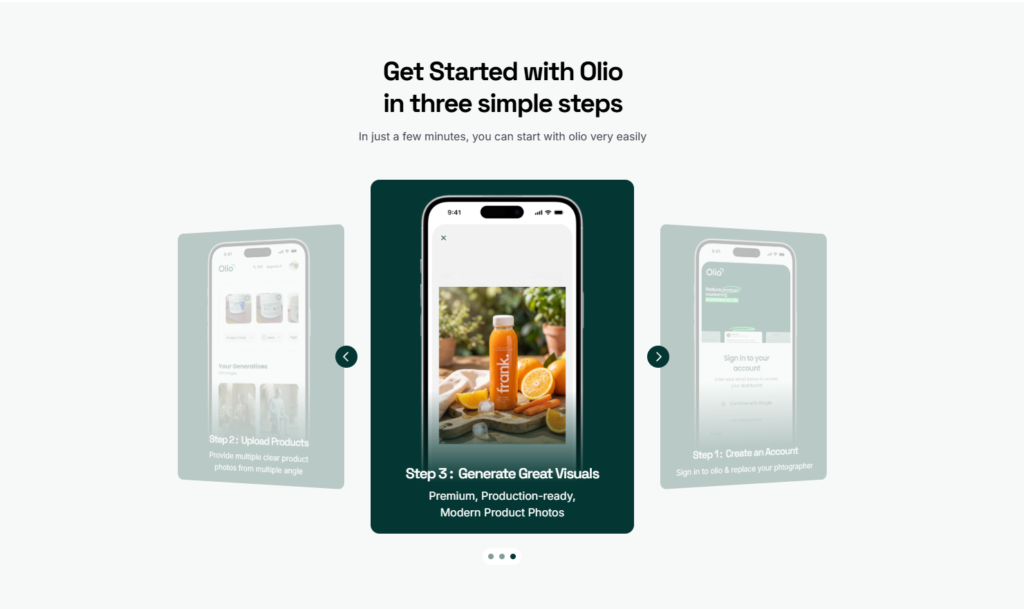
Pro Tips for Maximum Scroll-Stopping Power
To elevate your scroll-stopping e-commerce ads:
- Hook in 1–3 seconds: Start with curiosity (“This changed everything…”) or bold visuals.
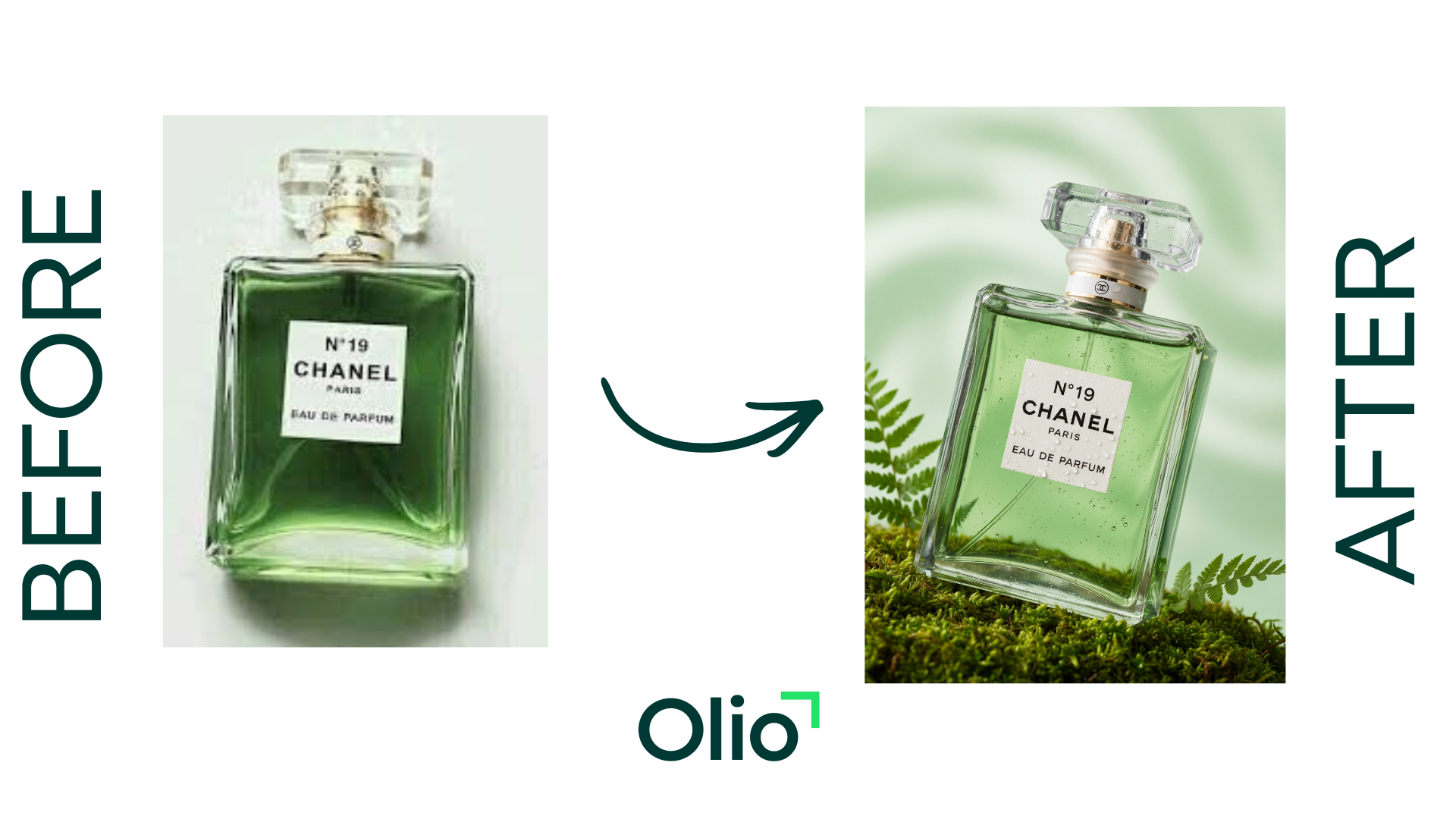
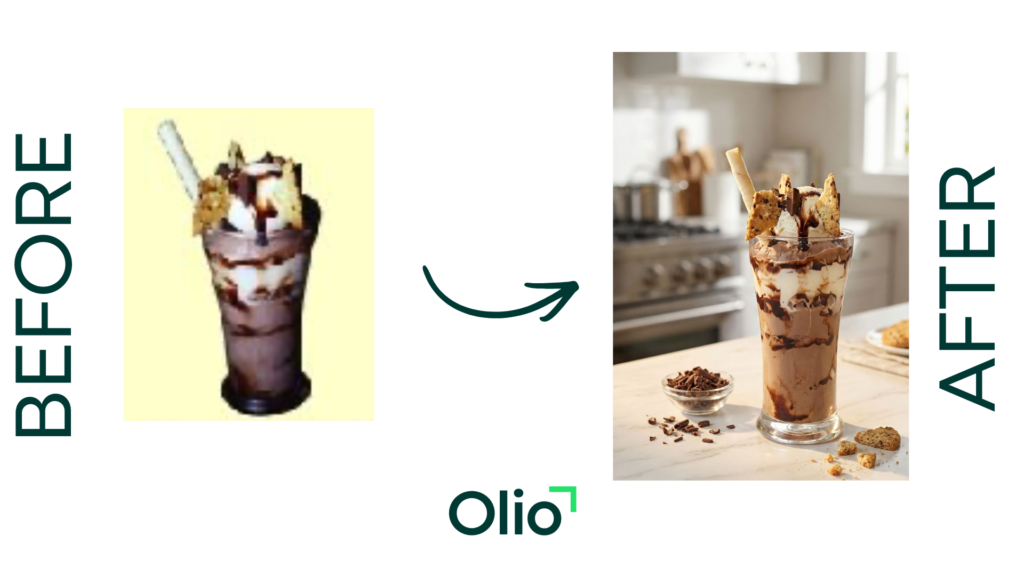
- Focus on benefits: Show transformation (before dull → after wow).
- Use high-contrast & motion: Bright products on moody backgrounds or vice versa; add subtle effects in post-production.
- A/B test relentlessly: Change one element (angle, text, background) per variant.
- Optimize for silent viewing: Strong visuals + subtitles win on muted scrolls.
- Scale smart: Batch generate with Olio for seasonal campaigns or new drops.
Real brands see 2–5x higher engagement using this AI-first approach.
Common Mistakes to Avoid When Creating Scroll-Stopping E-Commerce Ads
Even with powerful AI tools, many e-commerce brands fall into traps that kill ad performance. Avoiding these mistakes ensures your scroll-stopping e-commerce ads actually convert instead of wasting budget.
- Overly Polished or “Ad-Like” Creatives: In 2026, users crave authenticity—raw, phone-shot vibes outperform glossy studio looks. Skip heavy filters; let Olio AI’s natural enhancements shine for UGC-style realism that blends into feeds on Instagram, TikTok, and Meta.
- Weak or Delayed Hooks: If the first 1–3 seconds don’t grab attention (e.g., no bold visual, curiosity gap, or payoff tease), viewers scroll past. Always lead with the most compelling element—use Olio’s Close Up or Low Angle for instant intrigue.
- Ignoring Platform-Specific Formats: One-size-fits-all creatives flop. Vertical 9:16 for TikTok/Reels stops scrolls better than horizontal; test aspect ratios in Olio to match each platform’s algorithm preferences.
- No A/B Testing or Iteration: Launching one version and hoping is outdated. Generate 5–10 variations in Olio (different backgrounds like Bright Fresh vs. Dark Moody, angles, or text-ready compositions), run small tests, and scale winners—creative diversity is key to beating fatigue.
- Forgetting Silent Viewing & Subtitles: Most scrolls happen muted. Pair strong visuals with bold, readable text overlays (e.g., “This Changed My Routine”) to communicate without sound—Olio’s high-contrast outputs make this easy.
- Neglecting Urgency or Clear CTA: Ads without “Limited Stock” or “Shop Now” miss impulse buys. Use lifestyle backgrounds (e.g., Lifestyle Modern) to show real use, then reinforce action in post-production.
Fix these, and your AI-powered e-commerce ads will see 2–5x better engagement and lower costs per click.
Scaling Your Scroll-Stopping E-Commerce Ads with AI in 2026
Once you master creating individual scroll-stopping e-commerce ads, the real growth comes from scaling. AI makes this efficient—generate dozens of variations fast, test across platforms, and automate winners without burnout.
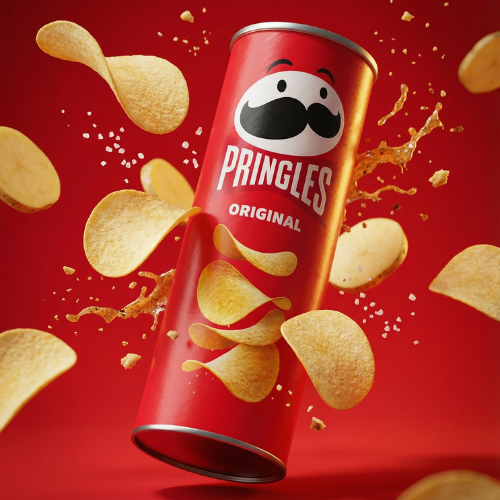
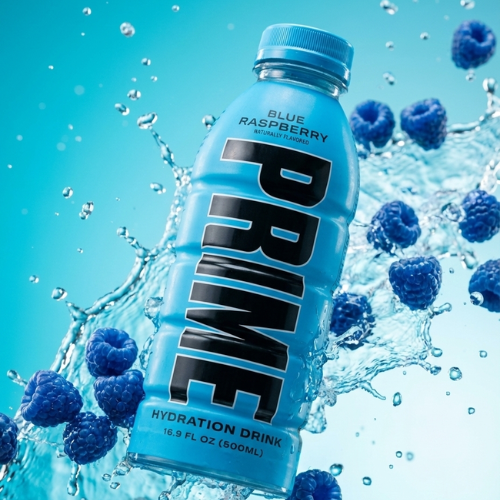
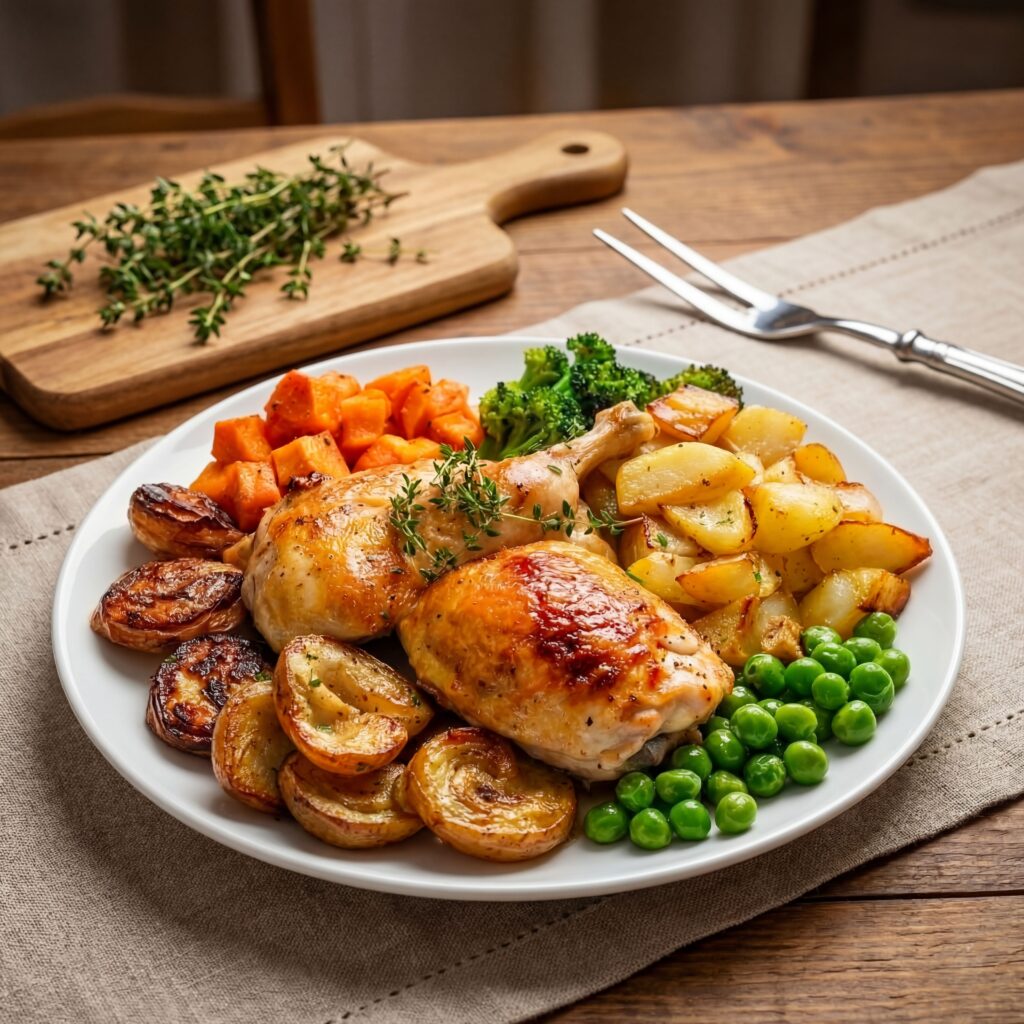
- Batch Generation for Campaigns: Use Olio to upload one product and create 20+ ad-ready images (different angles, backgrounds like Tech Modern for gadgets or Rustic Natural for lifestyle brands). This fuels seasonal drops, retargeting, or A/B tests effortlessly.
- Creative Diversity to Beat Algorithms: 2026 platforms reward variety—test emotional hooks (curiosity, urgency), formats (static vs. motion-ready), and audiences. Olio’s quick turnaround lets you iterate daily without reshoots.
- Integrate with Ad Platforms: Export Olio images to Meta Ads Manager, TikTok Creative Center, or Google for dynamic creatives. Add subtle motion in free tools like CapCut (zoom on product, text pop-ups) to boost watch time and conversions.
- Track & Optimize Performance: Monitor metrics like CTR, CPC, and ROAS. Kill losers fast; double down on high-engagement styles (e.g., Low Angle + Bright Fresh backgrounds often win for impulse buys). AI’s speed keeps your e-commerce ads fresh and competitive.
- Leverage Trends Authentically: Remix viral TikTok/Reels trends with your products—Olio’s natural outputs make “native” UGC-style ads that feel organic, not salesy, driving higher shares and organic reach.
Brands scaling this way in 2026 see lower CAC, higher LTV, and viral potential—turning simple uploads into a full ad machine. Start small, test relentlessly, and let AI handle the heavy lifting.
Ready to Create Your Own Scroll-Stopping Ads?
Stop wasting time on complex tools—start with simple AI uploads and watch your e-commerce ads convert like never before. Olio AI makes it dead-easy: natural results, endless variations, massive savings.
Head to tryolio.app now—upload your first product and generate ad-ready visuals in minutes. Plans start at $19/mo. Your next viral ad is one upload away. 🚀
What’s your biggest challenge with e-commerce ads? Drop it in the comments—we’ll help brainstorm AI fixes!