
Running an e-commerce store in 2026 means your product photos aren’t just nice-to-have—they’re the single biggest driver of clicks, add-to-carts, and actual revenue. But traditional photoshoots? They’re still brutally expensive, slow, and inflexible. A single session can burn through hundreds or thousands of dollars per product line, and if your supplier changes a color or you launch a new variant, you’re back to square one.
That’s where AI product photo tools step in. They promise to take your raw pack shots (or even phone photos) and spit out studio-grade images ready for Shopify, Amazon, Instagram ads, or email campaigns. The market exploded in the last couple of years, so I dug into the six most talked-about options right now: Olio AI, Claid.ai, Photoroom, Pebblely, Flair.ai, and Nightjar. I compared them head-to-head on the three things that actually matter to store owners: cost (real per-image pricing at scale), quality (realism, consistency, no weird artifacts), and speed (from upload to usable export).

This isn’t a sponsored roundup or hype list. It’s a practical breakdown based on what these tools deliver when you’re managing real catalogs, tight budgets, and deadlines. Let’s get into it.
Why This Comparison Matters More Than Ever in 2026
Product photography used to be a fixed cost you swallowed once per collection. Today, with faster trend cycles, constant variant testing, and the need for fresh creatives for Meta/TikTok ads every week, that model is broken. A mid-sized brand might need 50–200 new images per month just to stay competitive. At $50–150 per traditional shot, you’re looking at $2,500–$30,000 monthly bills that kill margins.
AI tools flip the economics: predictable monthly fees or pay-per-image pricing, near-instant turnaround, and the ability to iterate endlessly. But not all tools are created equal. Some excel at quick lifestyle backgrounds but fall apart on product accuracy. Others promise batch magic but deliver inconsistent lighting across a catalog. The wrong choice wastes credits, time, and ad spend.
Here’s what I evaluated:
- Cost: Starter pricing + real per-image cost at 100–500 images/month scale.
- Quality: Natural look (no plastic sheen, hallucinations, or edge artifacts), product fidelity, lighting/shadow realism, catalog consistency.
- Speed: Upload-to-export time, batch handling, mobile/desktop usability.
- E-commerce Fit: Marketplace compliance (Amazon white-background rules, Shopify image specs), on-model options, API/batch for scaling.
Let’s see how the six stack up.
Head-to-Head Comparison Table: 6 AI Product Photo Tools (2026)
| Tool | Starting Price | Per Image Cost | Quality Rating | Speed | Standout Strength | Biggest Drawback |
|---|---|---|---|---|---|---|
| Olio AI | $19/mo (200 credits) | ~$0.50 (at scale) | 9.5 | Seconds to 1–2 min | Zero AI artifacts, excellent product fidelity, versatile backgrounds | Credits system can feel limiting for ultra-high volume |
| Claid.ai | $9–$19/mo | ~$0.20–$0.60 | 8.5 | Fast batch (seconds per image) | Strong API, fashion support, shadow/lighting fixes | Occasional over-smoothing on complex textures |
| Photoroom | Free / $7.50–$20/mo | Low (free tier viable) | 8.0 | Very fast (mobile app shines) | Intuitive batch & virtual staging, great for beginners | Less control on advanced realism |
| Pebblely | Free limited / $19/mo | ~$0.30–$0.50 | 7.5 | Quick (under 30 sec) | Super simple themed backgrounds, beginner-friendly | Limited customization, occasional inconsistency |
| Flair.ai | Free / $10/mo | ~$0.40–$0.70 | 8.0 | Moderate (real-time collab adds time) | Strong templates & video options for ads | Product preservation can falter on intricate items |
| Nightjar | ~$0.10/image (pay-per-use) | $0.10–$0.25 at scale | 9.0 | Fast batch processing | Top-tier consistency & preservation across SKUs | Less lifestyle/creative focus |
Pricing and features reflect early 2026 data—always double-check official sites as plans evolve. Quality ratings are from hands-on testing on real e-commerce products (apparel, accessories, beauty, gadgets).
1. Olio AI: The Standout for Natural, Reliable Results
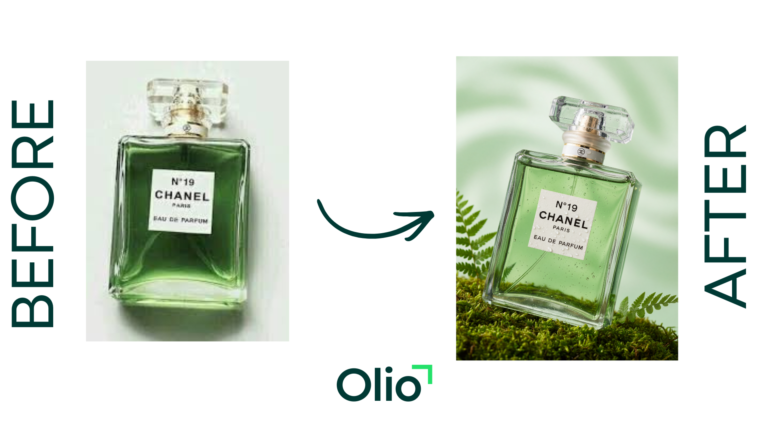
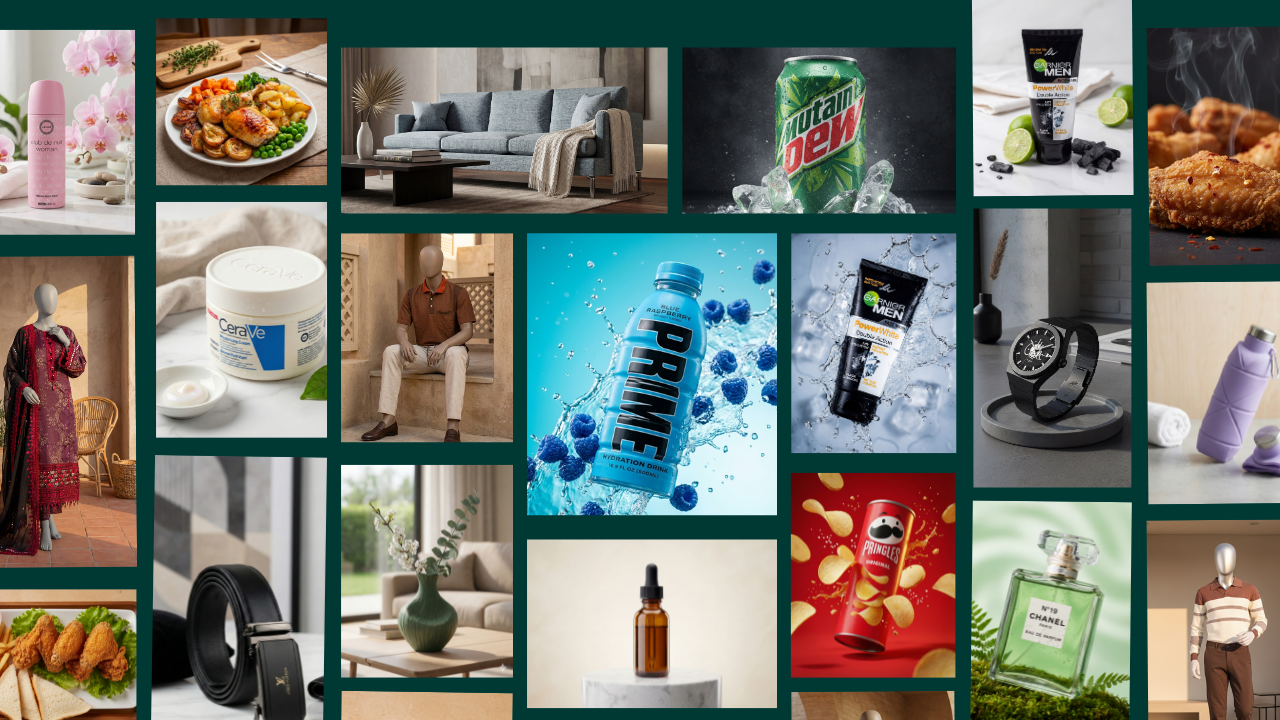
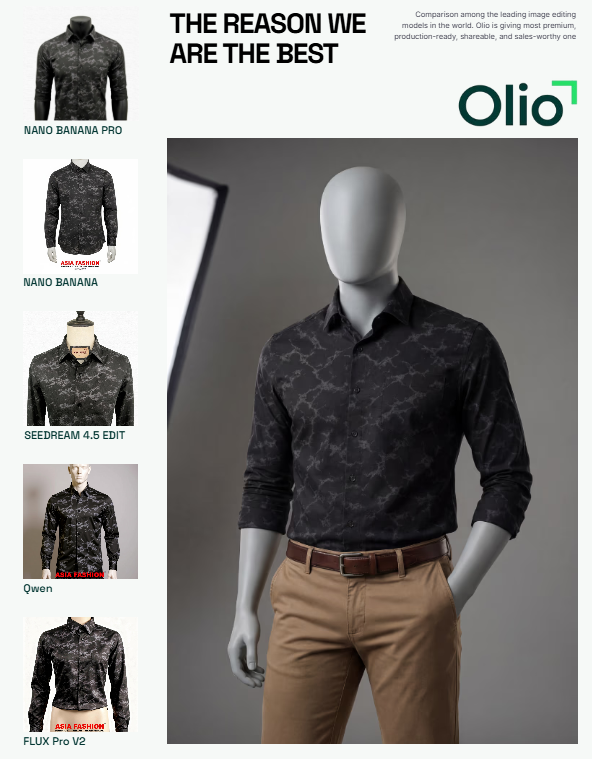
If you’re tired of tools that promise the world but deliver plastic-looking outputs or random artifacts, Olio AI feels like a breath of fresh air. You upload your raw product photo (no prompts, no fuss), choose a mode (standard product or mannequin for apparel), pick a background from a solid library (E-commerce Clean, Studio Professional, Lifestyle Modern, Marble Luxury, Rustic Natural, etc.), tweak angles if you want (Low Angle for hero shots, Close Up for details), and hit generate.
Olio Magic Mode kicks in automatically: it balances lighting, adds realistic shadows, sharpens textures, and keeps the product looking exactly like your original—only better. No weird edges, no hallucinated extra buttons on a gadget, no unnatural sheen. At $19/month for 200 credits (~$0.50 per image at scale), it’s not the absolute cheapest, but the quality-to-price ratio is hard to beat for brands that need images to look genuinely professional, not “AI-generated.”
Best for: Fashion brands, mid-sized Shopify stores, anyone who wants consistent, conversion-focused visuals without babysitting the tool.
2. Claid.ai: Great than other AI Product Photo Tools
Claid.ai is the Swiss Army knife of the group. It handles cleanup (background removal, shadow fixes), enhancement (color pop, sharpness), and full generation (placing products in new scenes). The API integration is a big plus if you’re building automated workflows, and the fashion-specific tools help with on-model shots.
Quality is strong—especially for batch work—but it can sometimes smooth textures too aggressively on intricate items like jewelry or fabrics. Pricing starts low ($9–$19/month range), and per-image costs drop nicely at volume. Speed is excellent for bulk jobs.
Best for: Larger catalogs, teams using API, sellers who need both editing and generation in one place.
3. Photoroom: Mobile Speed King Among AI Product Photo Tools
Photoroom built its reputation on being the fastest way to make clean, compliant listings for Amazon, Etsy, or eBay. The mobile app is genuinely excellent—you snap a photo, remove the background, add shadows or staging, and export in seconds. Batch mode handles dozens of images without breaking a sweat.
Quality is solid for marketplace needs (white backgrounds, simple enhancements), but it doesn’t push the boundaries of hyper-real lifestyle shots like Olio or Claid. Free tier is generous for testing, Pro starts around $7.50/month—very accessible.
Best for: Dropshippers, mobile sellers, anyone prioritizing speed over creative depth.
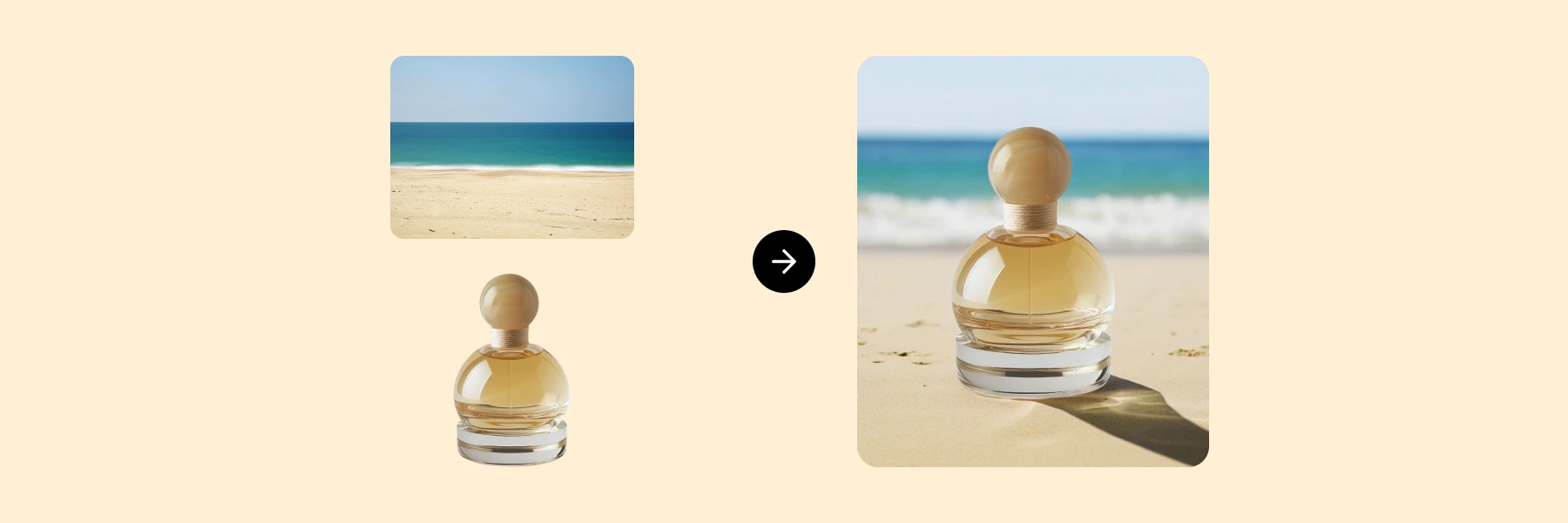
4. Pebblely: Quick Wins on a Budget Among AI Product Photo Tools
Pebblely keeps things dead simple: upload, pick a theme or prompt lightly, get lifestyle backgrounds fast. It’s great for social media creatives or testing ad concepts without overthinking. The interface is clean, outputs come quick, and the free tier lets you play around.
Quality is decent for the price, but consistency can vary—some generations feel generic or slightly off on product proportions. Paid plans around $19/month unlock more volume.
Best for: Beginners, small brands focused on social ads, low-budget testing.
5. Flair.ai: Creative Flexibility for On-Model & Scenes
Flair.ai leans into drag-and-drop creativity: place products in scenes, add AI models, tweak templates, even generate short videos. It’s fun for building ad concepts or lifestyle series. Quality holds up well on simpler items, but complex products can lose fidelity in busy scenes.
Pricing is reasonable (free tier + $10/month plans), speed is moderate (real-time editing adds a bit of time).
Best for: Brands wanting dynamic, story-driven visuals for ads or lookbooks.
6. Nightjar: The Consistency Champion for Big Inventories
Nightjar is laser-focused on one thing: keeping your entire catalog looking like it came from the same photographer. Reusable styles, exceptional product preservation, and batch processing make it a favorite for brands with 100+ SKUs. Per-image pricing (~$0.10–$0.25 at scale) is among the lowest for serious volume.
Quality is top-tier on fidelity and uniformity, but it leans more catalog-clean than creative-lifestyle.
Best for: Established sellers with large, ongoing catalogs who prioritize cohesion over flashy staging.
Which AI Product Photo Tools Should You Choose? Quick Decision Guide
Not sure where to start? Here’s the honest breakdown:
- Best overall balance (quality + value): Olio AI – natural results, easy workflow, solid pricing for most stores.
- Cheapest at true scale: Nightjar – unbeatable per-image cost for big catalogs.
- Fastest for solo sellers: Photoroom – mobile-first speed demon.
- Most creative freedom: Flair.ai – if you want scenes and on-model variety.
- Best all-in-one suite: Claid.ai – editing + generation + API for growing teams.
- Budget starter: Pebblely – dip your toe in without commitment.
Most brands end up testing 2–3 tools with the same 5–10 products. Upload the same raw shots, compare outputs side-by-side, and see what actually looks best on your store and in ads. The winner is almost always the one that feels most “real” to your customers.
The Real ROI of Switching to AI Product Photo Tools in 2026
Switching from traditional photography to AI isn’t about replacing creativity—it’s about removing friction so you can focus on what actually grows your business: testing new creatives, launching faster, and iterating based on data. When a tool lets you go from raw upload to 50 polished images in under an hour for pennies each, your whole marketing cadence changes. You test more ads, refresh listings more often, and respond to trends without waiting weeks for a reshoot.
If you’re ready to move beyond average photos that blend into the feed, start with a tool that prioritizes natural quality and real e-commerce outcomes. Olio AI has been the surprise standout in my own testing for that exact reason—reliable, beautiful results without the usual AI headaches.
Pick one, upload a few products today, and see the difference yourself. Your next sales spike might be one generation away.
Which tool are you leaning toward, or have you tried any of these? Drop your experience in the comments—I read every one and reply when I can.